Welcome to PRIME COUPONS - AMAZON Coupons and Discounts
Home > Product Details

Coupon Added 1 day ago
Valid Until
Jan 29 2026
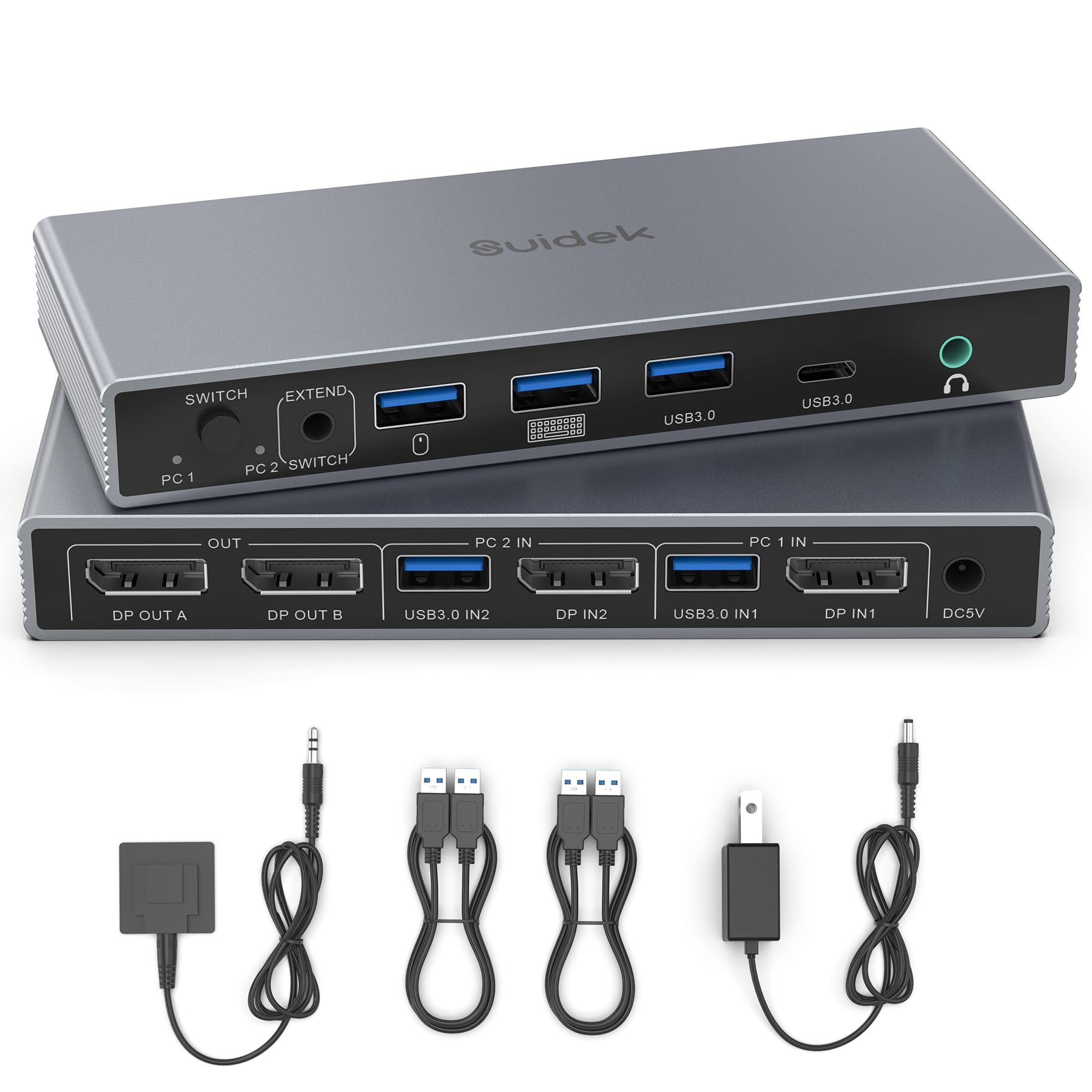
Conmutador KVM SUIDEK Displayport 2 monitores 2 computadoras 4K@60Hz, conmutador de 4 puertos USB 3.0 para 2 computadoras compartiendo dos monitores, teclado, ratón y impresora, con 2 cables USB, controlador y adaptador.
$54.39
$63.99
15.0 % Off
Extra 0% on AMZThe Description And Pictures Of Product are for Reference Only. Please visit Amazon For Complete Details
About this item
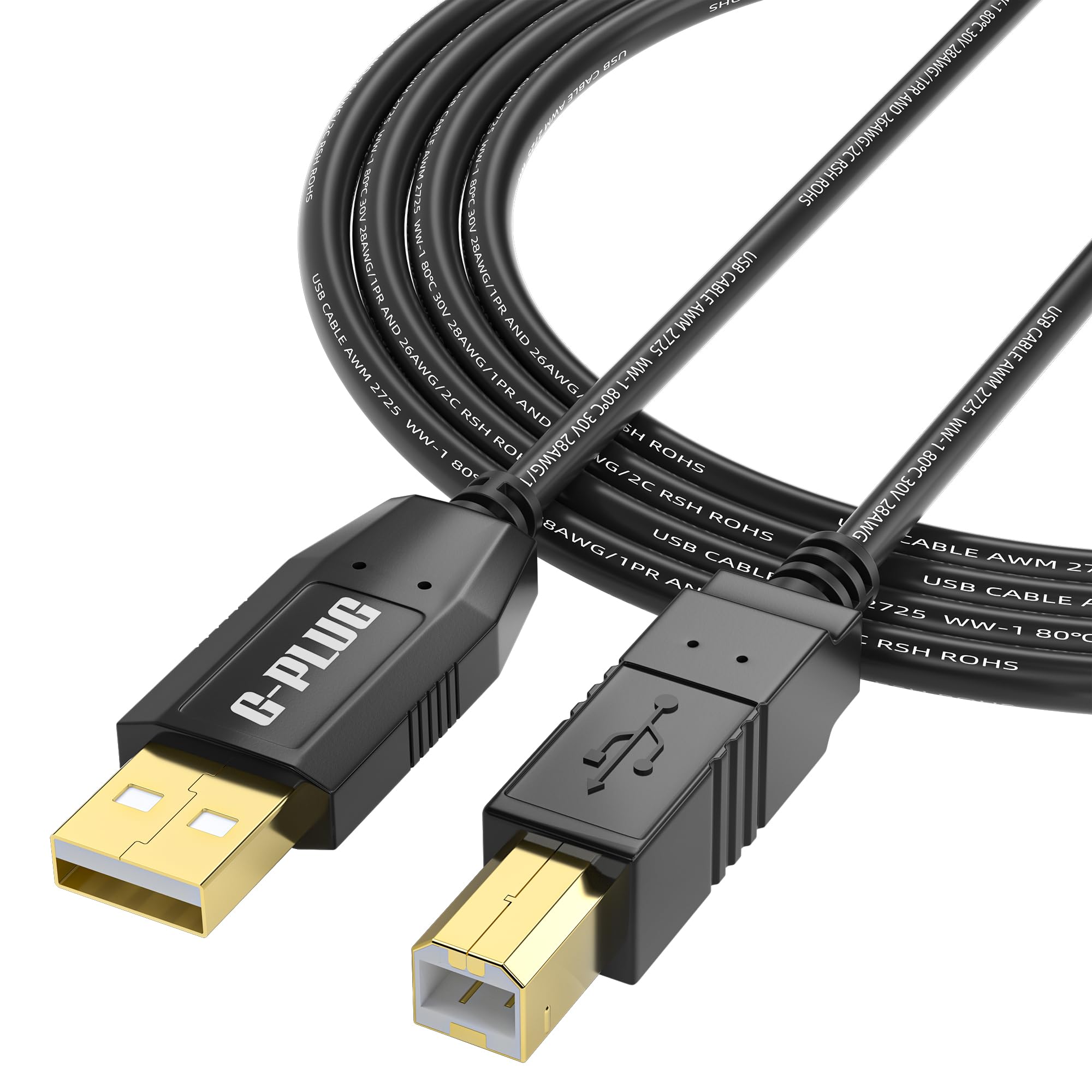
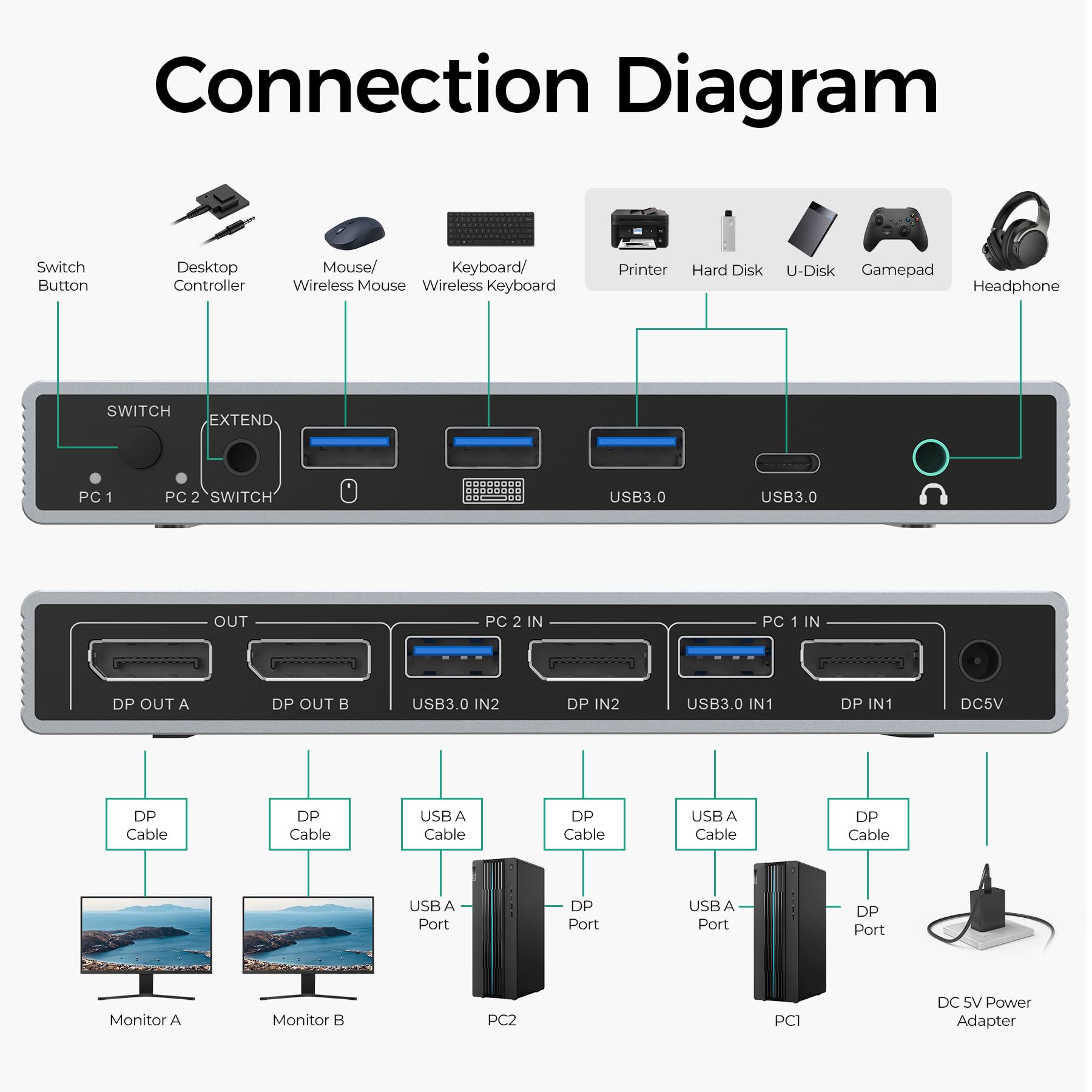
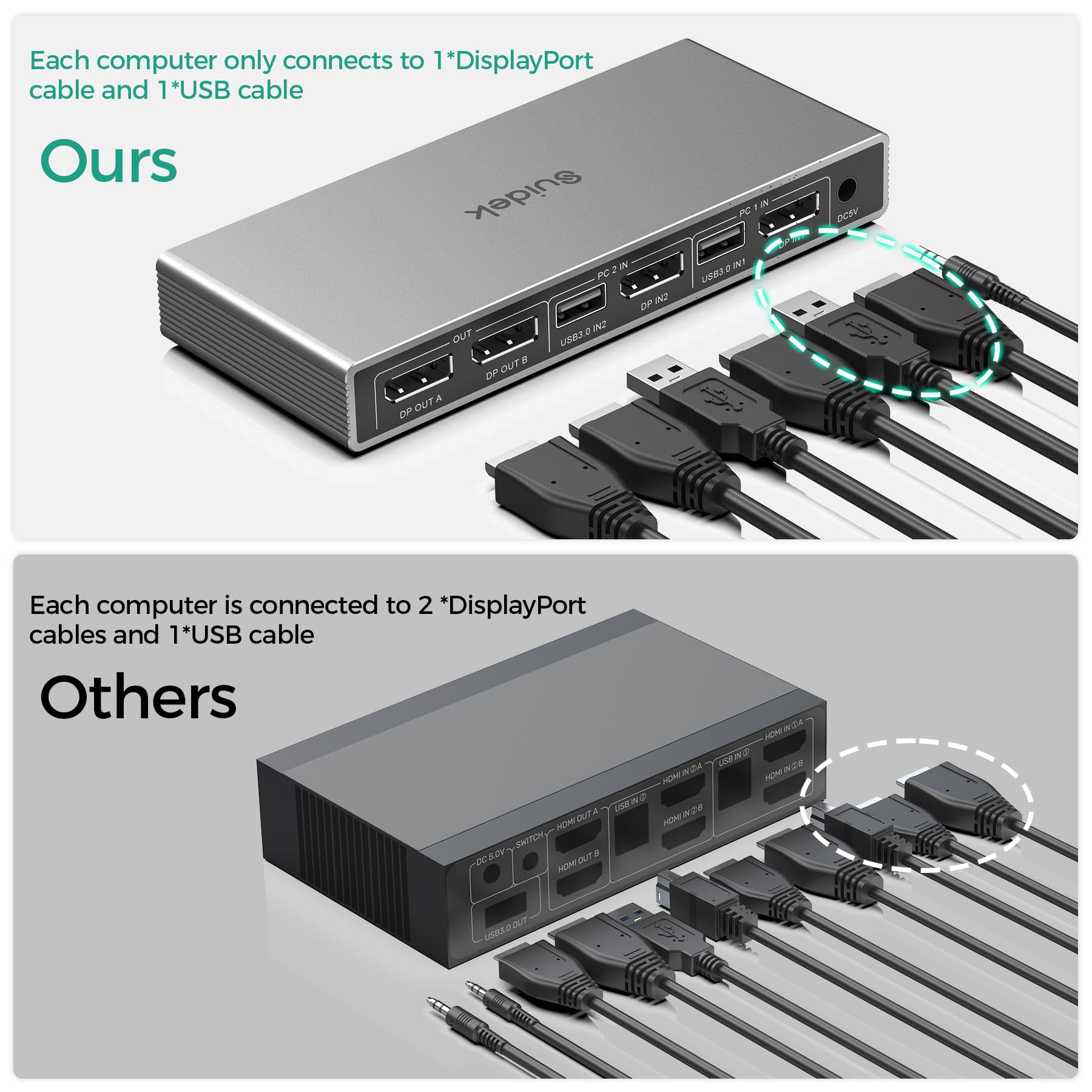
- DP KVM Switch 2 Monitors 2 Computers: This USB KVM switcher enables two computers with DisplayPort interfaces to share two DisplayPort monitors. When you find the connections of traditional 2 in 2 out KVM switches too complicated, SUIDEK KVM switch simplify complex connections. Each computer requires only 1*DisplayPort interface and 1*USB Type-A interface, and each monitor requires only 1*HDMI interface. Note: Please ensure both your computer and monitor support DisplayPort interface.
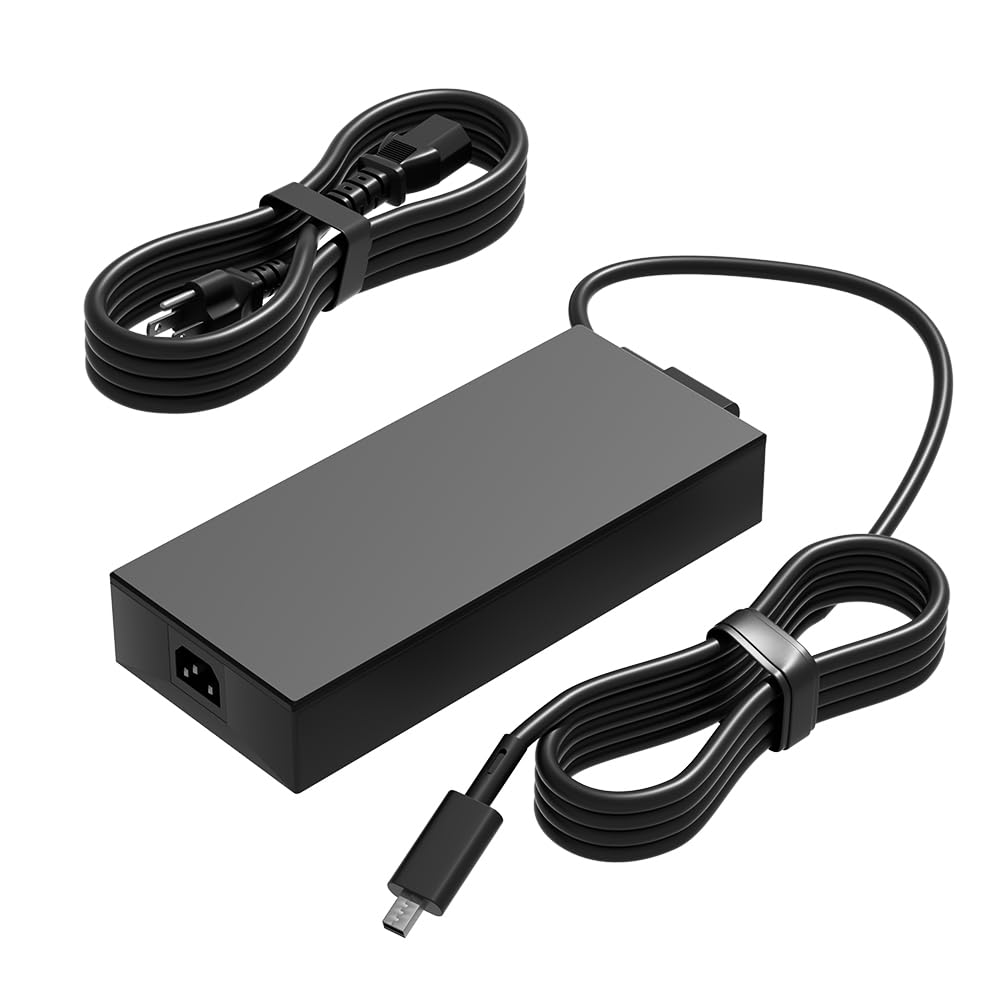
- KVM Switches with 4 USB 3.0 Ports and Audio Output: This KVM Switch Computers 2 Monitors has 3*USB A ports and 1*USB C port and features a headphone port for audio output.. You can share one mouse, keyboard, USB flash drive, printer, etc. USB 3.0 ports support data transfer rates of up to 5Gbps, enabling more efficient work and faster transfers of photos, files, and more. Note: Please connect the included 5V power adapter for use.
- Up to 4K@60Hz Resolution: This 2 In 2 Out KVM switches supports up to 4K@60Hz Output, allowing you to enjoy realistic and colorful visual effects. And supports multiple operating systems, including Windows, Mac OS, and Linux. Note: To achieve 4K output, you need to connect a cable that also supports up to 4K output. And make sure the resolution of the input and output are the same.
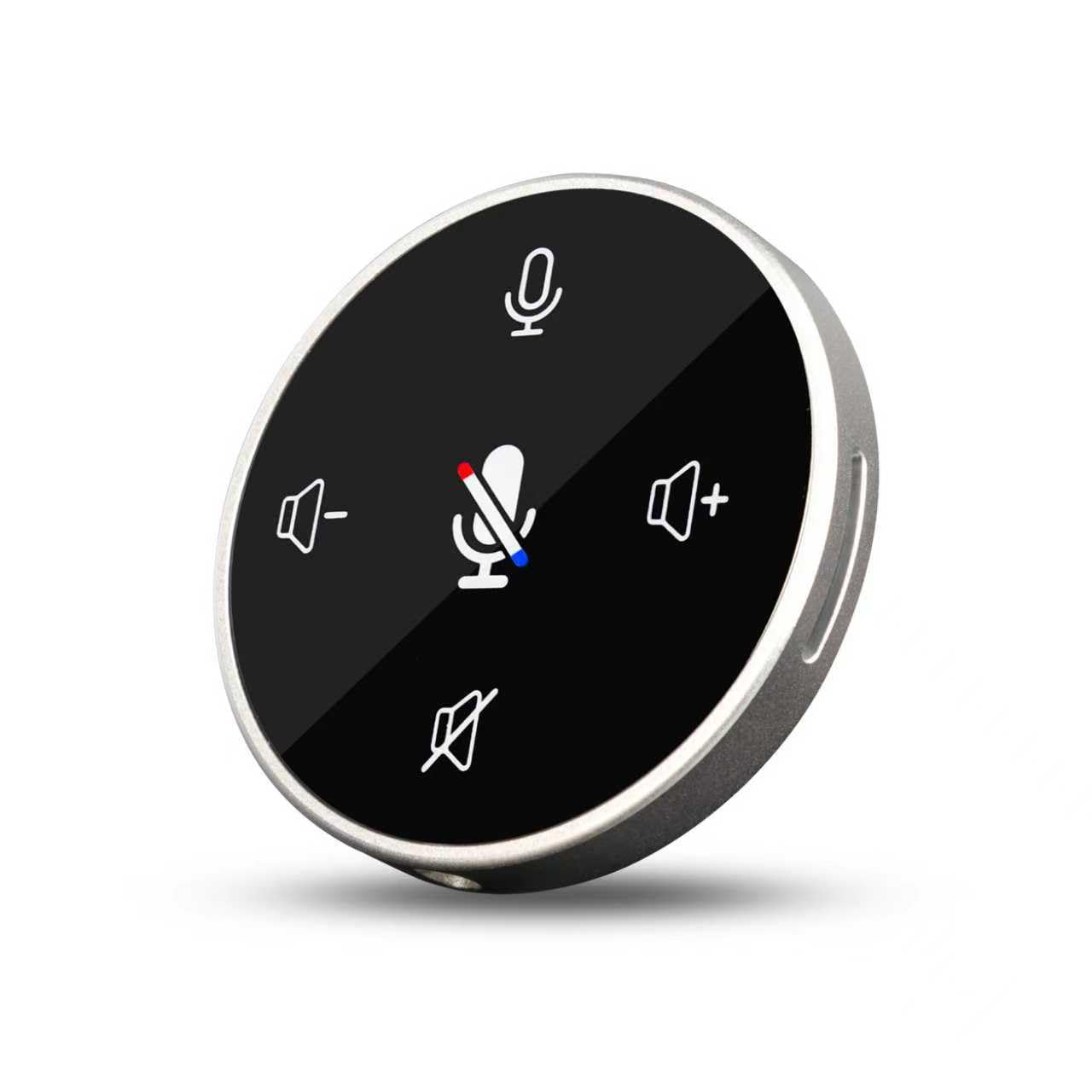
- 2 Ways of Switching and LED Indicator: It has 2 ways of switching: 1. Switch using the physical buttons on the KVM Switch. 2. Connect the included desktop controller to the KVM Switch first, then use the desktop controller to switch between devices. Then you can see which computer is connected via the indicator light.
- NOTE: 1. Please ensure the included power adapter is connected during use. 2. Please ensure both your computer and monitor support DisplayPort interface. 3. It is recommended to remove the protective film before use. 4. Please make sure that both DP/USB IN are connected to work properly. 5. EDID is not supported. 6. Switching is not supported in sleep mode.